

Hosting analytics
Read visitor, page-view, bandwidth, referrer, country, device, and browser analytics for a YWT static site.
Hosting analytics
YWT records lightweight analytics for static sites served through the YWT router. The analytics dashboard helps you understand traffic without adding a third-party analytics script to your site.
Open analytics
- Go to Account > Website hosting.
- Open the site you want to inspect.
- On the site's Overview, click Visitors, last 30 days.
- Choose a period: 7 days, 30 days, or 90 days.
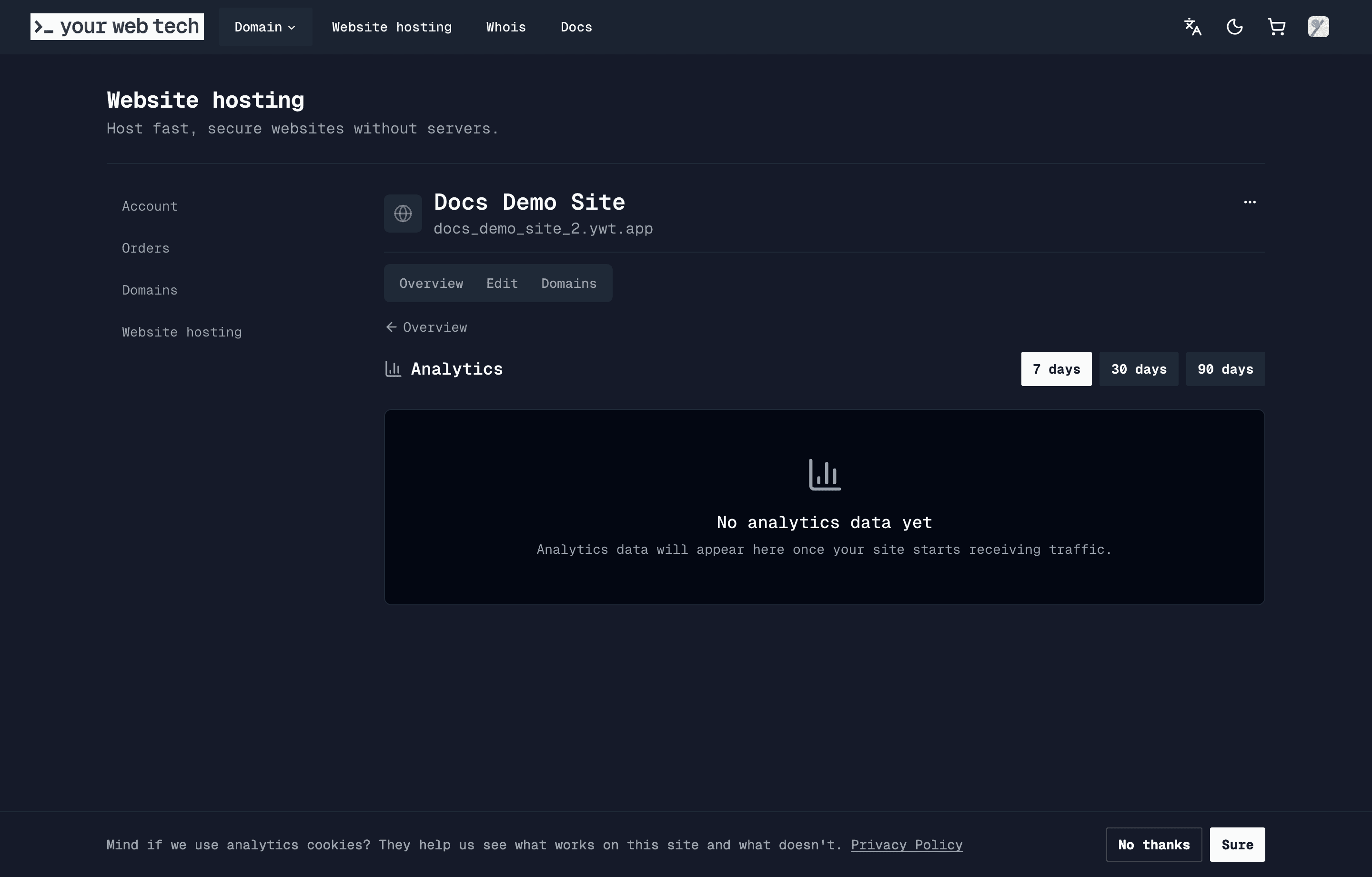
If the site has not received tracked traffic yet, the dashboard shows an empty state. Data appears after real visitor requests are served and the router has flushed its analytics buffer.
What the dashboard shows
| Area | What it means |
|---|---|
| Visitors | Unique visitors for the selected period, based on daily hashed IP values. |
| Page views | Successful HTML page requests. Asset requests and failed page probes are not counted as page views. |
| Bandwidth | Bytes served for tracked site requests, based on response size data. |
| Daily chart | Visitors and page views by day across the selected period. |
| Top pages | The most viewed paths, excluding internal asset aggregation. |
| Top referrers | Referring domains, or Direct when no referrer is present. |
| Countries | Country lookup based on the request IP address. Unknown locations may appear when lookup data is unavailable. |
| Devices and browsers | Browser user-agent parsing grouped into device and browser categories. |
The summary cards compare the selected period with the previous period of the same length. For example, the 30-day view compares the last 30 days with the 30 days before that.
Privacy and bot filtering
Analytics is intentionally limited:
- Visitor uniqueness is based on hashed IP values, not stored raw IP addresses.
- The IP hashing salt rotates daily, so a visitor is not tracked with the same identifier indefinitely.
- Known bot, crawler, command-line, and headless user agents are filtered before analytics are stored.
- Query strings are not used as separate page paths.
YWT analytics is operational traffic reporting for your hosted site. If your site has its own privacy obligations, cookie banners, consent flows, or analytics disclosures, you are still responsible for those website-level notices.
What is not included
YWT analytics only covers traffic served by YWT static hosting. It does not include:
- Traffic to domains or subdomains hosted somewhere else.
- Requests blocked before they reach the YWT router.
- Third-party scripts, form submissions, sales funnels, or application events.
- Real-time guarantees. The router batches analytics writes before they appear in the dashboard.
Troubleshooting
No analytics data appears. Make sure the site has an active deployment and that visitors are reaching the YWT-hosted URL or connected custom domain. Bot traffic and failed probes are filtered.
The numbers differ from another analytics tool. Different tools count visitors differently. YWT counts successful HTML page requests and daily hashed IPs; browser-based tools may count client sessions, consented users, or script loads instead.
A country, browser, or device looks wrong. Country and device data are inferred from IP and user-agent metadata. They are useful for trends, but they should not be treated as exact identity data.
Next steps
- Deploy your site so visitors can reach the current version.
- Connect a custom domain if you want analytics for your own hostname.
- Use preview links to understand which preview URLs are public and which only show your draft.