

Billing overview
Understand how payments work at YWT — domain purchases, renewals, payment methods, and order history.
Billing overview
YWT keeps billing straightforward. You pay for domain registrations and renewals, and static hosting plans have their own publishing, storage, and custom-domain limits. This page explains how billing works so there are no surprises.
What you pay for
- Domain registration — A one-time fee when you register a new
.chor.lidomain, covering one year of registration. - Domain renewal — An annual fee to keep your domain active. You can renew manually or enable auto-renew.
- Domain transfer — Transferring a domain to YWT may include a one-year renewal fee, depending on the registry's policy.
- Static hosting plans — Paid plans unlock public publishing, storage, and custom-domain capacity.
DNS management and WHOIS lookup tools are included with your account.
How payments work
When you register or renew a domain, YWT creates an order. You can pay using the payment methods shown at checkout. Once payment is confirmed, the domain action (registration, renewal, or transfer) is processed.
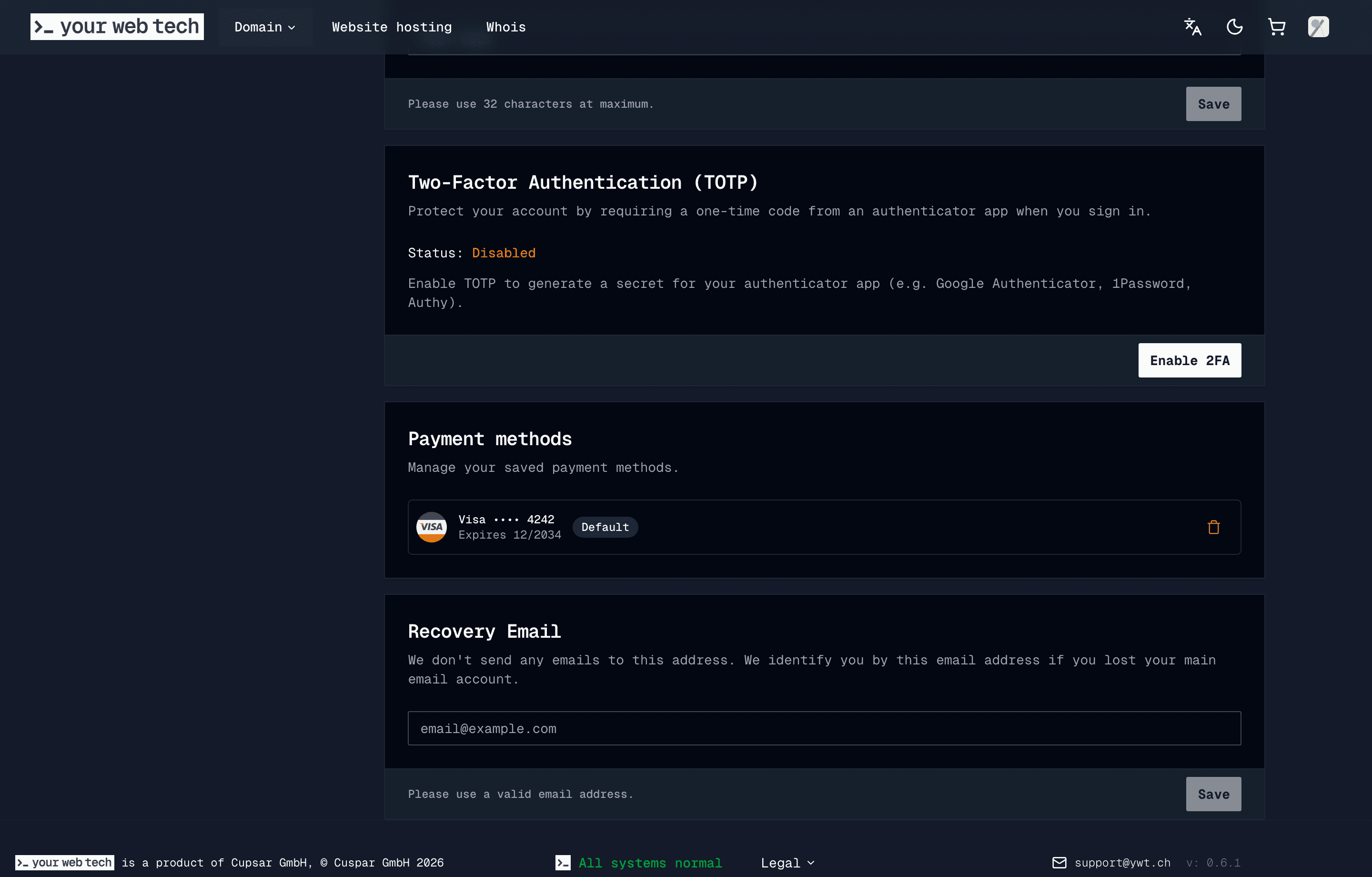
Saved cards are managed from your account page. The public docs only use Stripe test-card examples, never real customer payment data.
Static hosting subscriptions
Static hosting plans are subscriptions with monthly or yearly billing intervals. You can upgrade from Starter to Business with a prorated order, schedule a downgrade for the end of the billing period, cancel renewal at period end and resume it before then, or renew an expired plan.
See Static hosting plans and billing for the full workflow.
Business receipts and VAT
Billing contacts can include a VAT ID for business records. When a paid invoice PDF is generated, YWT includes the VAT ID from the billing contact when one is available.
Auto-renew
You can enable auto-renew on any domain so YWT can process renewal automatically before it expires. When auto-renew is on, YWT starts scheduled renewal processing in the 15-30 day window before expiration and retries later if payment or processing still needs attention. You receive email notifications before expiry and when payment requires action.
YWT sends configured renewal reminders before expiry. Keep your account email monitored and review renewal notices when they arrive.
If a payment fails
If a payment fails or an unpaid order needs attention, YWT notifies you by email. Update your payment method from the Account page, then open the unpaid order and continue payment from there. Domain recovery after expiration is not guaranteed, so resolve payment issues as soon as they appear.