

What is static hosting?
Learn about YWT's static hosting platform — build a page from a form with no code, or deploy HTML, CSS, and JavaScript sites with a built-in editor, templates, and previews.
What is static hosting?
Static hosting serves pre-built files — HTML, CSS, JavaScript, and images — directly to visitors without any server-side processing. There is no database, no backend runtime, and no build step on the server. The result is fast, secure, and simple.
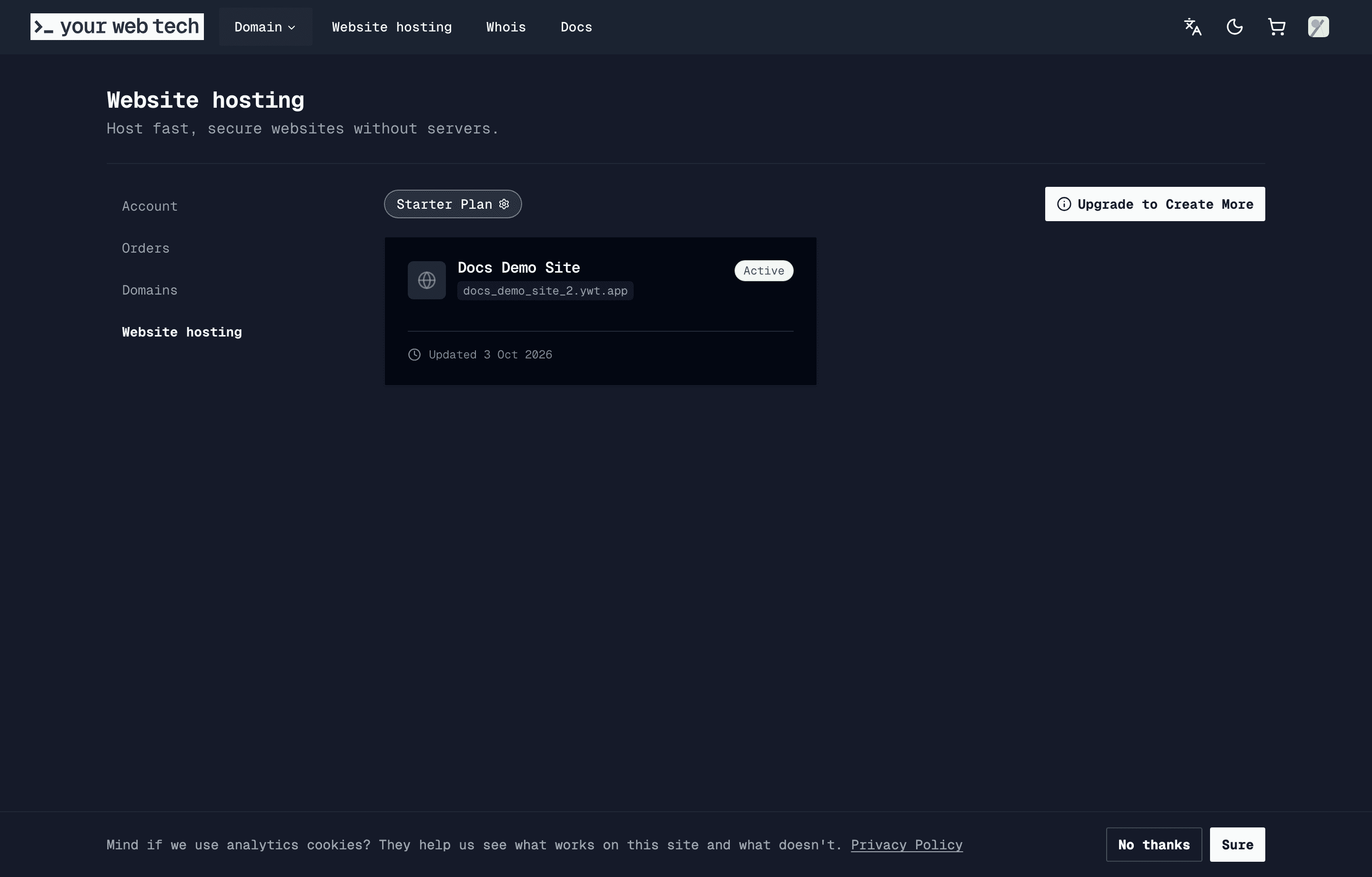
YWT's static hosting lets you create and deploy lightweight websites right from your browser. Every site gets a default *.ywt.app hostname, and paid hosting plans can connect custom domains once DNS ownership is verified.
You do not need to write code. Create a page builds a one-page website for your business from a form: name, a short text, services, opening hours, contact details, a photo, and a colour scheme. See Create a page without code. If you already have ChatGPT or Claude, it can write the page for you: paste one line into the chat, answer its questions, and upload the file it gives you. See Build your website with your AI assistant.
What you get
- Create a page without code — Fill in a form and see the page as you type. YWT builds the page for you.
- Build with your AI assistant — Let ChatGPT or Claude interview you and write the page as one file, then upload it.
- Built-in Monaco editor — The same editor that powers VS Code, running in your browser. Write HTML, CSS, and JavaScript with syntax highlighting, autocompletion, and previews of your draft.
- Starter templates — Pick from a set of ready-made templates (landing pages, portfolios, simple business sites) and customize them to your needs.
- Explicit publishing — Change your page on the site's Edit tab, preview it, then publish when you are ready to update the live site.
- Default hostname — Every site has a YWT-managed
subdomain.ywt.apphostname. - Custom domains — Connect domains you own to your hosted site with automatic HTTPS.
- Preview links — Share your draft with a link that expires, or share a specific published version without changing the live site.
- Analytics — Review visitors, page views, bandwidth, referrers, countries, devices, and browsers for hosted sites.
Who is it for?
YWT static hosting is a good fit for:
- Personal sites and portfolios — Show off your work with a clean, fast website.
- Landing pages — A single-page site for your product, event, or business.
- Small business sites — An online presence with your own Swiss domain. A one-page site needs no code.
- Hobby projects — Experiment with HTML and CSS without setting up a development environment.
If you need a database, server-side code (PHP, Node.js, Python), or a CMS like WordPress, you will need a different hosting provider. You can still register your domain with YWT and point it to any external host using DNS.
Static hosting plans have different publishing, storage, and custom-domain limits. The Free plan lets you build a page and share a draft link that expires, while publishing it on the internet and custom domains require a paid static hosting plan.
Just want a page on your domain?
If you registered a domain at YWT and only want visitors to see something while you work on the real site, you can put a "Coming soon" page on it in one click. It is free and needs no hosting plan.
Next steps
Create a site
Set up a new static site in a few clicks.
Create a page without code
Fill in a form and get a one-page website.
Build with your AI assistant
Let ChatGPT or Claude write your page, then upload the file.
Put a page on your domain
A free "Coming soon" page for a domain registered at YWT.
Templates
Browse starter templates and pick one to customize.
Deploy your site
Publish your files and make your site live.
The editor
Learn your way around the built-in Monaco editor.
Custom domains
Connect your own domain to your hosted site.
Preview links
Share a preview before going live.
Analytics
Understand traffic and visitor trends for a hosted site.
Manage or delete a site
Learn the site lifecycle, deletion behavior, and custom 404 pages.