

Register an account
Create your free YourWebTech (ywt.ch) account so you can register .ch and .li domains, manage DNS, and host static websites.
Register an account
Before you can register a domain or deploy a website, you need a YourWebTech account. Sign-up is free and takes less than two minutes.
What you will need
- A Google or GitHub account (recommended), or
- A valid email address and a strong password with at least 8 characters, including uppercase letters, lowercase letters, and numbers.
We recommend signing up with Google or GitHub. It is faster, eliminates the need to remember another password, and you can start managing domains right away — no email verification required.
Create your account
Option 1 — Sign up with Google or GitHub (recommended)
Go to ywt.ch
Open ywt.ch in your browser. On the top-right corner of the homepage click the Sign in button.
Continue with Google or GitHub
On the login page, click Continue with Google or Continue with GitHub. You will be redirected to the provider's authorization page.
Authorize and start using YWT
Approve the authorization request. YourWebTech will create your account automatically using the email from your Google or GitHub profile, and you will be redirected to the homepage.
Option 2 — Sign up with email and password
Go to ywt.ch
Open ywt.ch in your browser. On the top-right corner of the homepage click the Sign in button.
Open the sign-up form
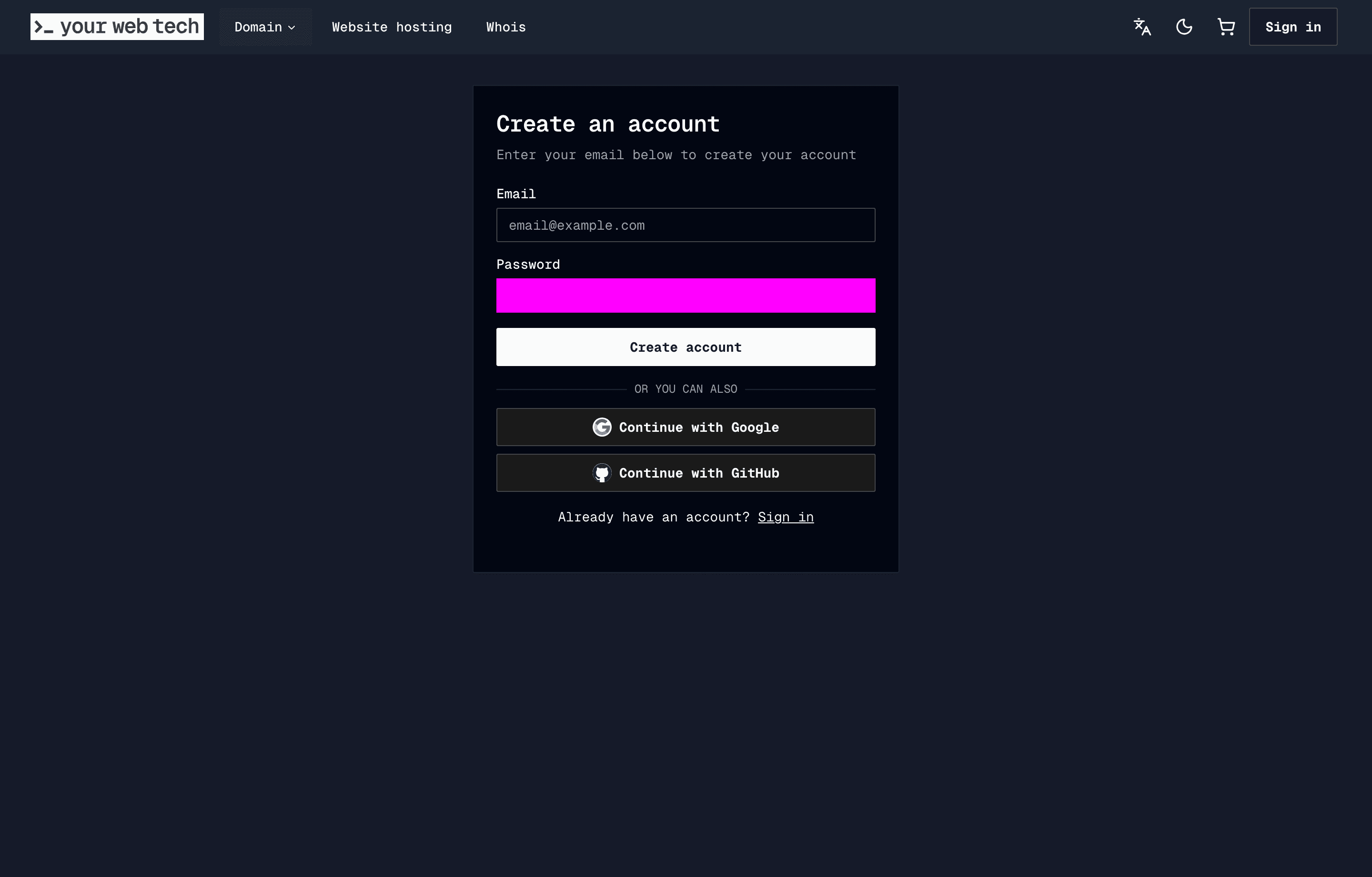
At the bottom of the login page you will see "Don't have an account? Sign up" — click the Sign up link to open the registration form.
Fill in your email and password
Enter a valid email address and choose a secure password. Your email will be used for:
- Account login
- Billing receipts and renewal reminders
- Security notifications
Domain registrant contact details are collected separately during checkout when you register or transfer a domain.
Confirm your password by typing it a second time, then click Create Account.
Verify your email
Check your inbox for a verification email from YourWebTech. Click the confirmation link inside the email to activate your account.
If the email does not arrive within a few minutes, check your spam or junk folder. You can also request a new verification email from the login page.
Log in for the first time
Once your email is verified, head back to ywt.ch and click Sign in. Enter the email and password you registered with.
After logging in you will be redirected to the homepage. From there, you can navigate to your account, register domains, or set up hosting.
Navigating YWT
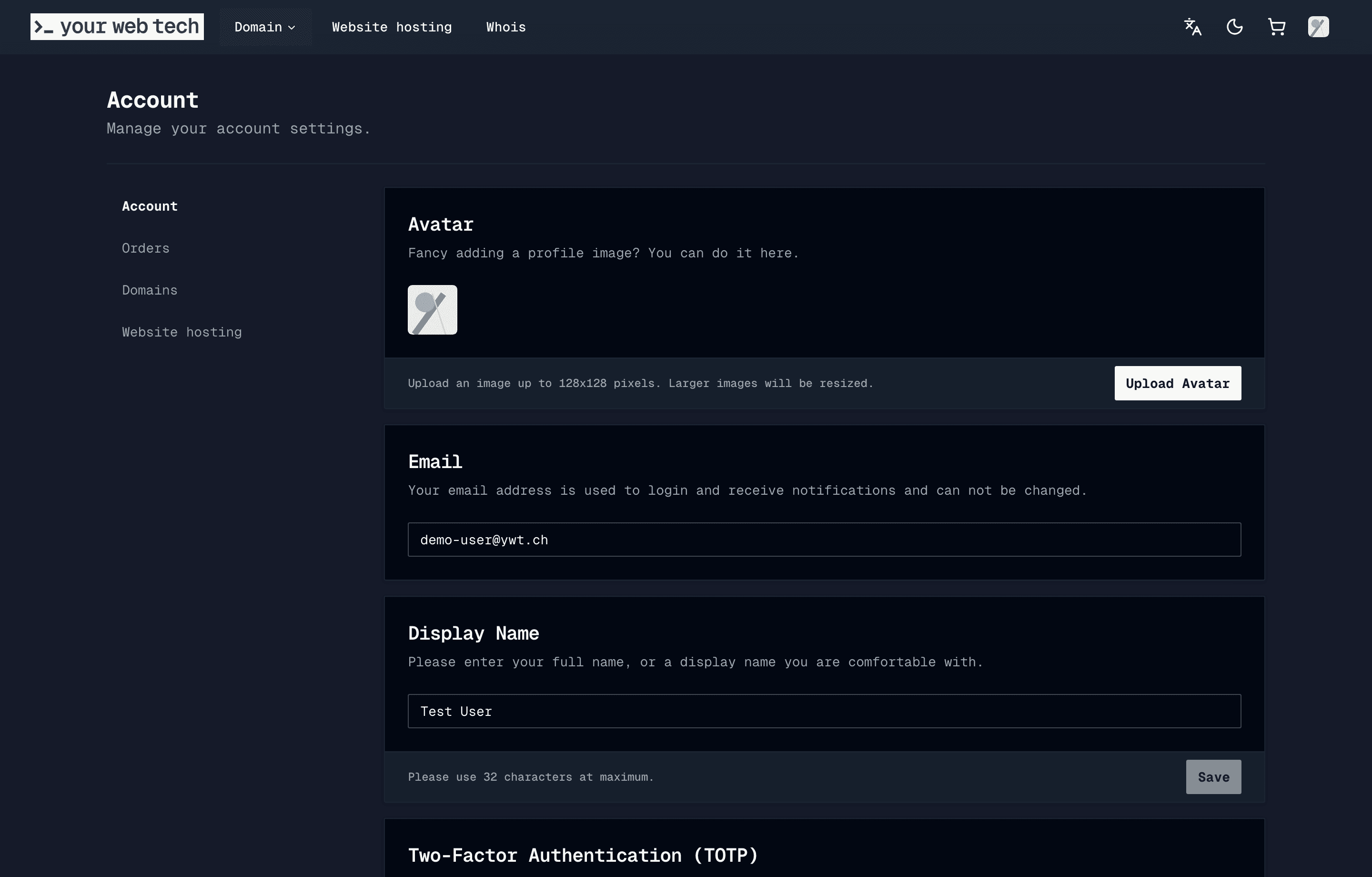
Once signed in, you can access everything through the header navigation and your account section:
Header navigation:
- Domains dropdown — Domain registration, transfer, and TLD pricing.
- Website hosting — Create and manage static websites.
- Whois — Look up domain registration details.
- Avatar menu (top-right) — Quick links to Account, Orders, Domains, Website hosting, and Log out.
Account section (accessible via the avatar menu or at ywt.ch/account):
| Page | What it does |
|---|---|
| Account | Update your profile, avatar, 2FA, and payment methods |
| Orders | Review past purchases, invoices, and renewal history |
| Domains | View and manage your .ch and .li domains |
| Website hosting | Create and manage static websites |
Monitor the email address you use for your account. YWT sends renewal notices, payment receipts, and security messages there. SWITCH, the registry operator for .ch and .li domains, also requires accurate registrant contact information, which is collected separately during domain checkout.
Next steps
You are all set. Here is what to do next:
- Register your first domain — follow the Register your first domain guide to search for and purchase a .ch or .li domain.
- Set up hosting — skip straight to the Host your first website guide if you already have a domain and want to deploy a static site.
- Explore domain management — learn about DNS records, DNSSEC, and auto-renew to keep your domains secure and active.