

Profile settings
Update your avatar, display name, payment methods, and recovery email in your YWT account profile.
Profile settings
Your profile contains the basic information tied to your YWT account. It shows your primary account email and lets you manage display name, avatar, two-factor authentication, payment methods, and recovery email.
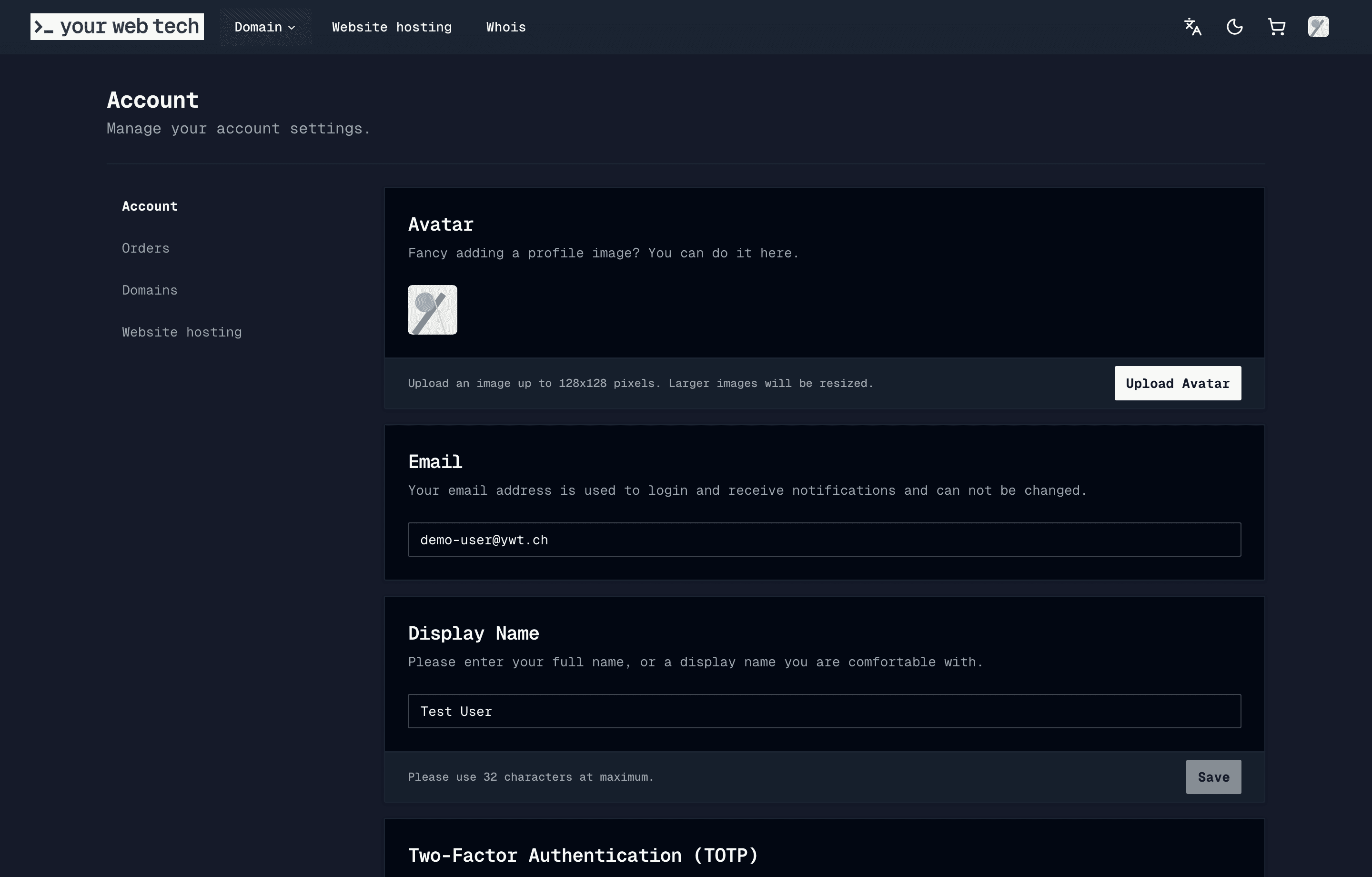
What you can edit
The profile settings page lets you manage:
- Avatar — The visual avatar shown in your account menu.
- Display name — The name shown in your account. This can be your personal name or a company name.
- Two-factor authentication — TOTP setup lives on the profile page. See Security for the detailed flow.
- Payment methods — Saved payment methods are managed from the same account page.
- Recovery email — An additional email address YWT can use for account recovery messages.
Your primary account email is displayed on the page, but it is not edited from the profile form.
Monitor your primary account email and keep your recovery email current. YWT sends critical notifications about domain expirations, failed payments, and security events by email. If the relevant inbox is not monitored, you risk missing important alerts.
Updating your profile
Open profile settings
Log in to your YWT account and navigate to Account in the account sidebar.
Edit your information
Update the field you need to change. Editable rows expose their own edit control, so you can change your display name or recovery email without changing unrelated settings.
Save your changes
Save the field you edited. Profile changes take effect immediately after the app confirms the update.
Changing your display name does not change your domain registrant contact information. Registry contacts are handled during domain checkout and related domain workflows.
Frequently asked questions
Does changing my recovery email affect my domain contact information? No. Account recovery email and domain registrant contact details are separate. See Contacts for how registrant contacts are used during checkout.
Can I use a shared or team email address? Yes. Use an address that someone monitors for renewal reminders, failed payment notices, and account security messages.
Where do I change the language of the website? Use the language control in the site header. It is separate from the account profile form.